
Tools and gear · Chapter 7
Hardware
The hardware I use for remote presales: an all-Apple setup, Elgato audio from mic to Stream Deck, webcam, lighting and presentation gear.
Key takeaways
- I use Microsoft at work and Apple for everything else: two Mac minis, a MacBook, an iPhone and an Apple Watch. One ecosystem beats a mix of good devices.
- For audio and streaming I run Elgato end to end, from the Stream Deck to the Wave XLR. The parts are made to work together.
- Good audio and light do more for a call than an expensive camera. See how it all fits in the home office setup (opens in a new tab).
Some links on this page are Amazon affiliate links. As an Amazon Associate I earn from qualifying purchases. It costs you nothing extra.
Why I Went All In on Apple
I worked with Microsoft for many years. At work I still do: Teams, Outlook, PowerPoint, the full stack. At home I moved everything to Apple. Two Mac minis, one with a higher spec and one smaller. A MacBook for the road. An iPhone and an Apple Watch.
The reason is the ecosystem, and it is brutally good. I copy a text on the iPhone and paste it on the Mac. I start an email on the MacBook and finish it on the phone. AirDrop moves a demo video in seconds. The watch unlocks the Mac. The iPhone even works as a webcam with Continuity Camera.
I tried the mix before. An Android phone, a Windows PC and a Samsung watch. Each device on its own was fine. Together they never felt like one system. With Apple, everything simply talks to each other. That saves me small moments all day, and small moments add up.
Mac mini (the Big One)
My main machine. It runs the heavy work: live demos, screen recordings, video editing and a browser with too many tabs. It also drives the big screen and the Elgato gear.
My recommendation (September 2026): the Mac mini with the M5 Pro chip. Take at least 32 GB unified memory, and 64 GB if you run local AI models or virtual machines. Take 1 TB of storage, because demo recordings eat space fast. The Thunderbolt 5 ports drive several displays, including a 49 inch ultrawide.
Shop Mac mini M5 Pro (opens in a new tab)
Mac mini (the Small One)
The second Mac mini has a smaller spec. It covers the lighter jobs, so the big one stays free for demos. For most presales people, this one is already enough as the only computer.
My recommendation (September 2026): the Mac mini with the M6 chip. 16 GB unified memory is the start, 32 GB keeps it fast for years. Take at least 512 GB of storage.
Shop Mac mini M6 (opens in a new tab)
MacBook
My travel machine for customer visits, workshops and trade shows. Same files, same apps, same passwords as at home.
My recommendation (September 2026): the MacBook Air with the M5 chip for most people. It is light, silent and the battery lasts a full workshop day. Take 24 GB unified memory and 1 TB of storage. If you run heavy demos on the road, take the 14 inch MacBook Pro with the M5 Pro chip instead.
Shop MacBook Air M5 (opens in a new tab)
Shop MacBook Pro M5 Pro (opens in a new tab)
iPhone and Apple Watch
The iPhone is my phone, my hotspot on the road and my second camera. The Apple Watch shows me the next meeting and unlocks the Mac. It also reminds me to stand up after three calls in a row. Any current model works, the magic is in how they connect.
Shop iPhone (opens in a new tab)
Shop Apple Watch (opens in a new tab)
My Apple Setup at a Glance
| Device | What I use it for | Recommended config (September 2026) |
|---|---|---|
| Mac mini, big | Demos, recordings, video, the big screen | M5 Pro, 32 to 64 GB memory, 1 TB |
| Mac mini, small | Lighter jobs, or your only computer | M6, 16 to 32 GB memory, 512 GB or more |
| MacBook | Customer visits, workshops, travel | MacBook Air M5, 24 GB, 1 TB. Heavy demos: MacBook Pro 14 inch M5 Pro |
| iPhone | Phone, hotspot, second camera | Any current model |
| Apple Watch | Calendar, unlock, move reminders | Any current model |
Monitor and Docking
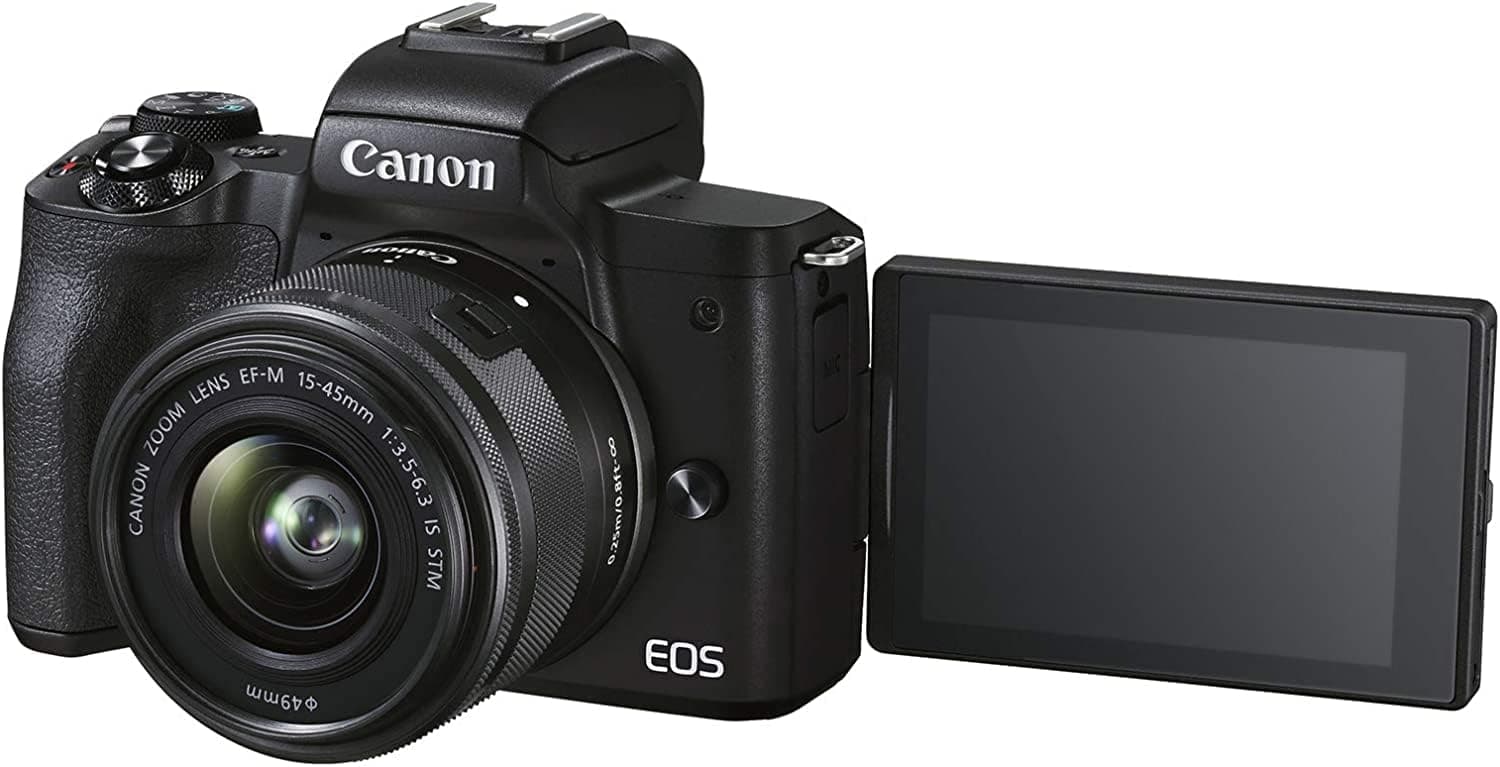
Samsung Odyssey Ultra Wide Gaming Monitor
The Samsung Odyssey is a wide, curved screen. It has room for a demo, your notes and the call window side by side. The resolution is high and the refresh rate fast, so text stays sharp and motion stays smooth. The colors are accurate enough for screen recordings.
C49RG94SSR, 49 inch, VA panel, QLED, DQHD resolution, HDR1000, AMD FreeSync 2 HDR, refresh rate 120 Hz, response time 4 ms, black.
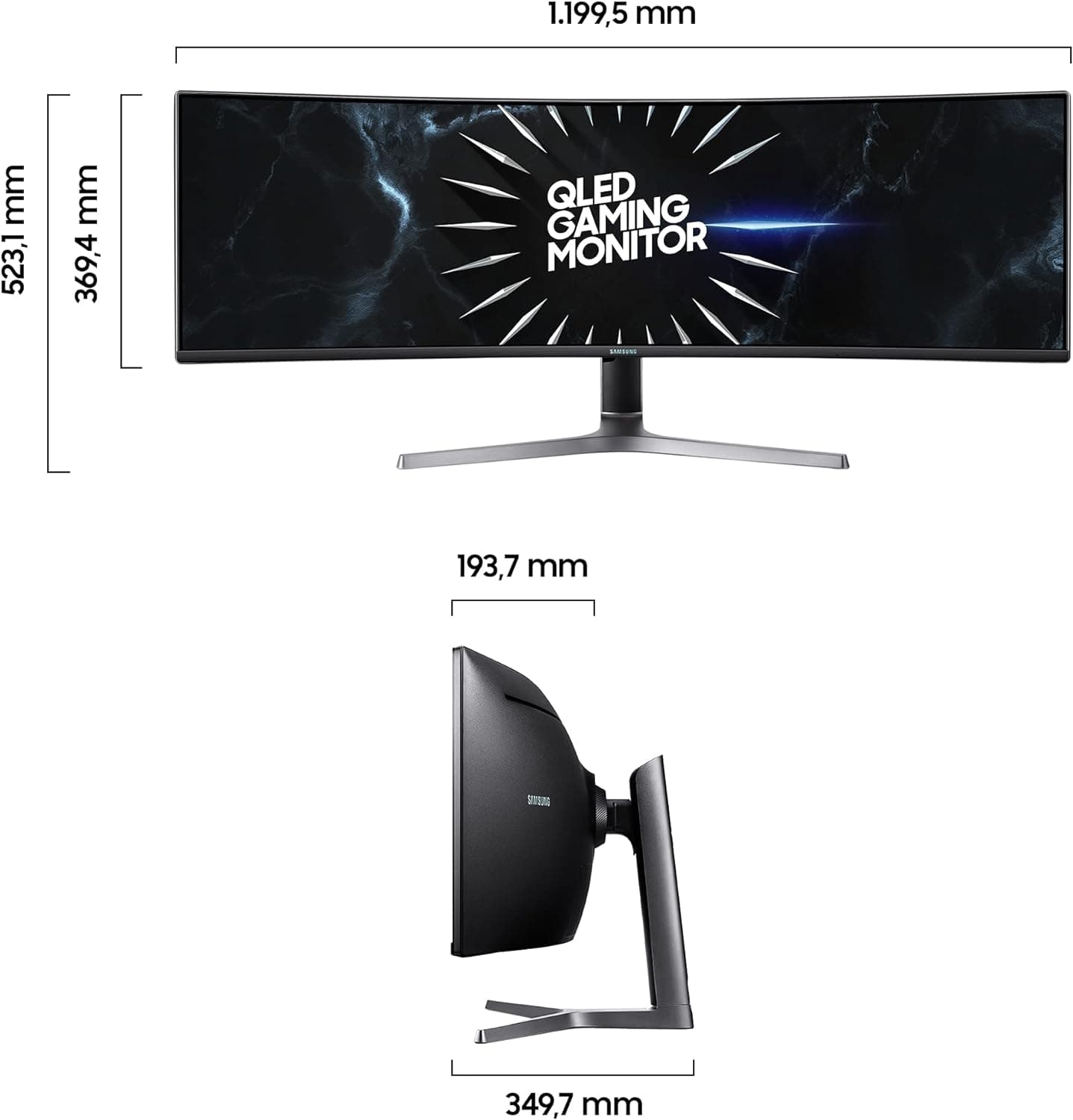
ICY BOX USB-C Docking Station
The ICY BOX docking station connects your laptop to up to three monitors through a single USB-C cable. It adds ports like USB-A, HDMI and Ethernet. You plug in one cable, and screens, network and charging are all there.
The ICY BOX is for laptops with USB-C. A MacBook with Thunderbolt works too, but a Mac mini does not need it.
Webcam
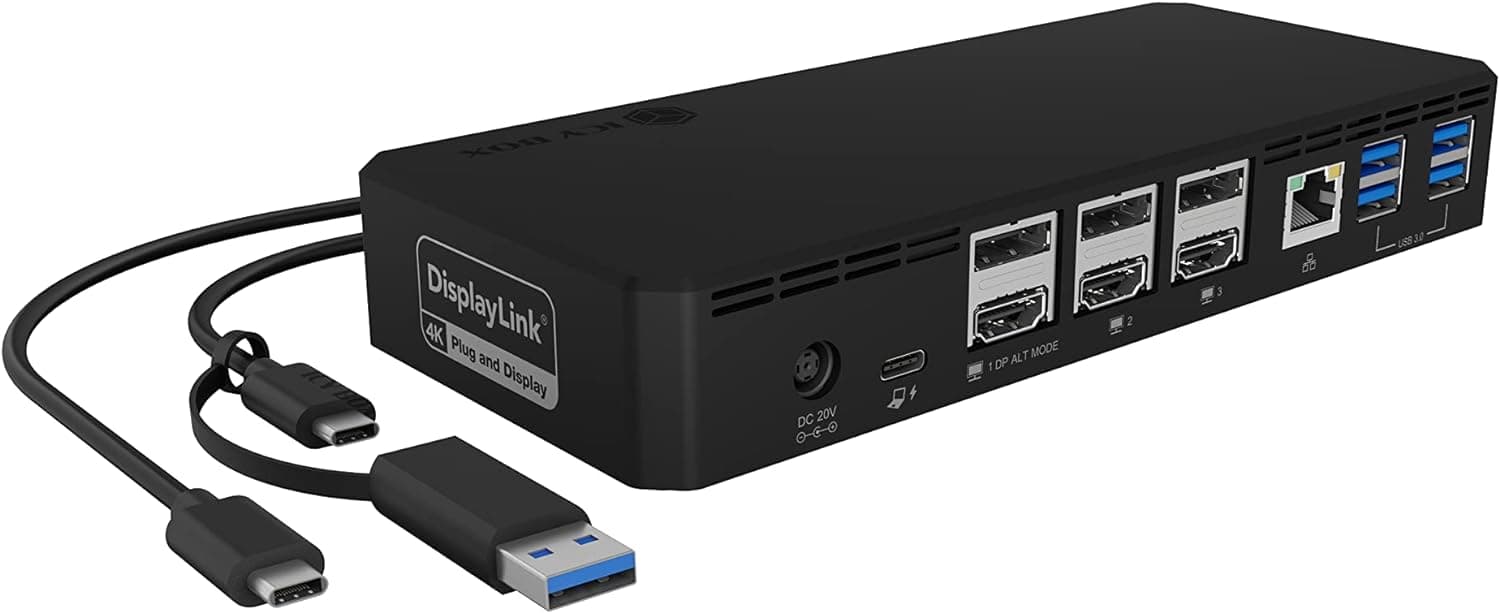
Canon EOS M50 Mark II Camera + Objective EF-M 15-45mm
The Canon EOS M50 Mark II works well as a webcam:
Video quality: The picture is much sharper than a built-in laptop camera, in calls and in live streams.
Setup: The Canon EOS Webcam Utility software connects the camera to your computer as a webcam.
Compatibility: It works with Zoom, Skype, OBS Studio and similar apps.
Connection: Use a USB cable (Canon IFC-600PCU) or a capture card.
Size: The camera is compact and easy to position.
To use it as a webcam, you need the right USB cable, the Canon EOS Webcam Utility software and a compatible app. The USB cable may not come with the standard bundle, so you might have to buy it separately.
What you need here in addition: Elgato Cam Link 4K (opens in a new tab), Micro HDMI cable 1.8m (opens in a new tab), USB extension cable 2M (opens in a new tab), USB C to Micro USB cable (opens in a new tab)
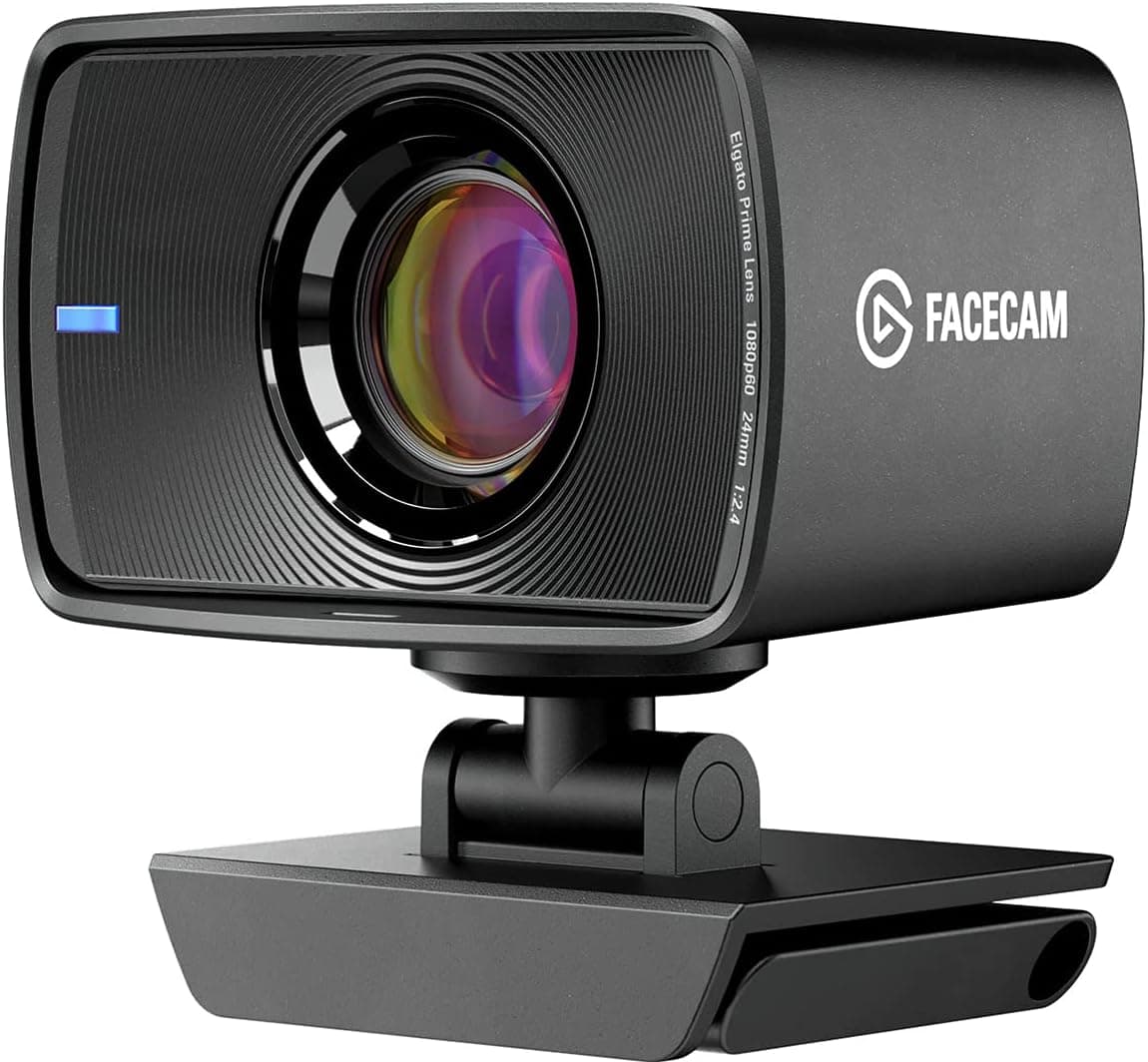
Elgato Facecam - Full-HD-Webcam
The Elgato Facecam records in Full HD 1080p with a clear, detailed picture. It is built for streaming and video calls. The lens gives natural colors and a crisp image. In the Elgato software you set exposure, framing and more yourself, so the camera does not guess for you.
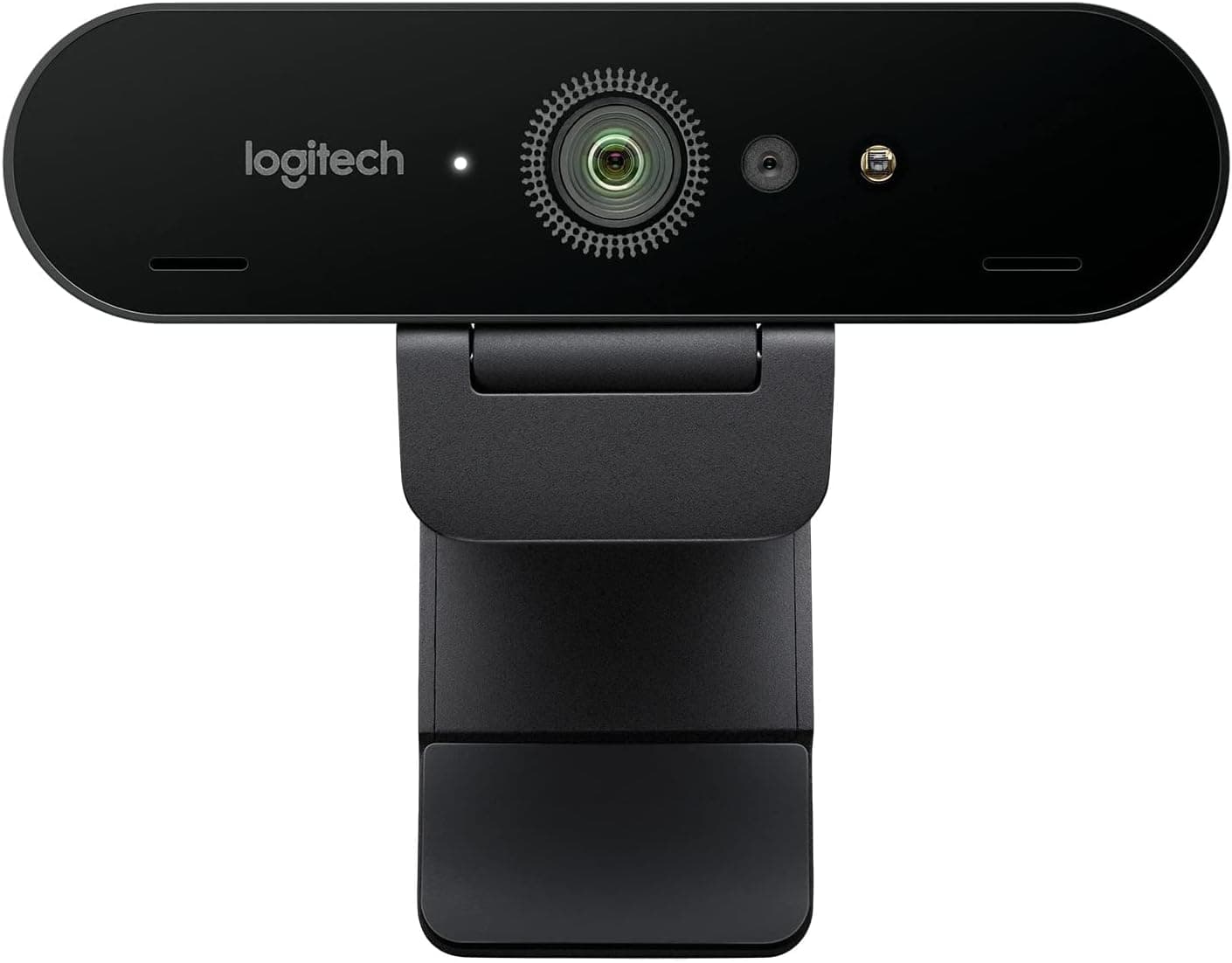
Logitech BRIO ULTRA-HD PRO Webcam
The Logitech BRIO records in 4K, which gives a sharp, detailed picture in calls and streams. HDR and RightLight 3 adjust to the light in the room on their own. High frame rates and a wide field of view make it work for meetings and for recording.
Audio and Streaming: Elgato End to End
For audio and streaming I use Elgato from start to finish. The Wave DX microphone goes into the Wave XLR. The Stream Deck controls the mix, the Key Lights and the Facecam. It all fits together and runs from the same apps. One button mutes the mic, the next one switches the light to "demo mode". I stopped fiddling with settings before calls. That alone was worth it.
| Part | What it does | Link |
|---|---|---|
| Elgato Wave DX | Dynamic microphone, made for speech | Amazon (opens in a new tab) |
| Elgato Wave XLR | Audio interface between mic and computer | Amazon (opens in a new tab) |
| Elgato Stream Deck + | Buttons and dials for mic, lights and scenes | Amazon (opens in a new tab) |
| Elgato Key Light | Key and fill light, controlled from the Stream Deck | Amazon (opens in a new tab) |
| Elgato Facecam | Webcam with full control over the picture | Amazon (opens in a new tab) |
Elgato Wave DX
A dynamic microphone tuned for speech. The sound is detailed, warm and clear. It works with any XLR audio interface and needs no booster. It is my standard mic now, because it is easy to set up and sounds clean. The home office setup (opens in a new tab) shows how I mount it. You also need a mic arm and maybe a longer cable.
Mic Only: Wave DX (opens in a new tab)
Arms: Low Arm (opens in a new tab) or High Arm (opens in a new tab)
Cable: Mic Cable (opens in a new tab)
XLR: Elgato Wave XLR (opens in a new tab)
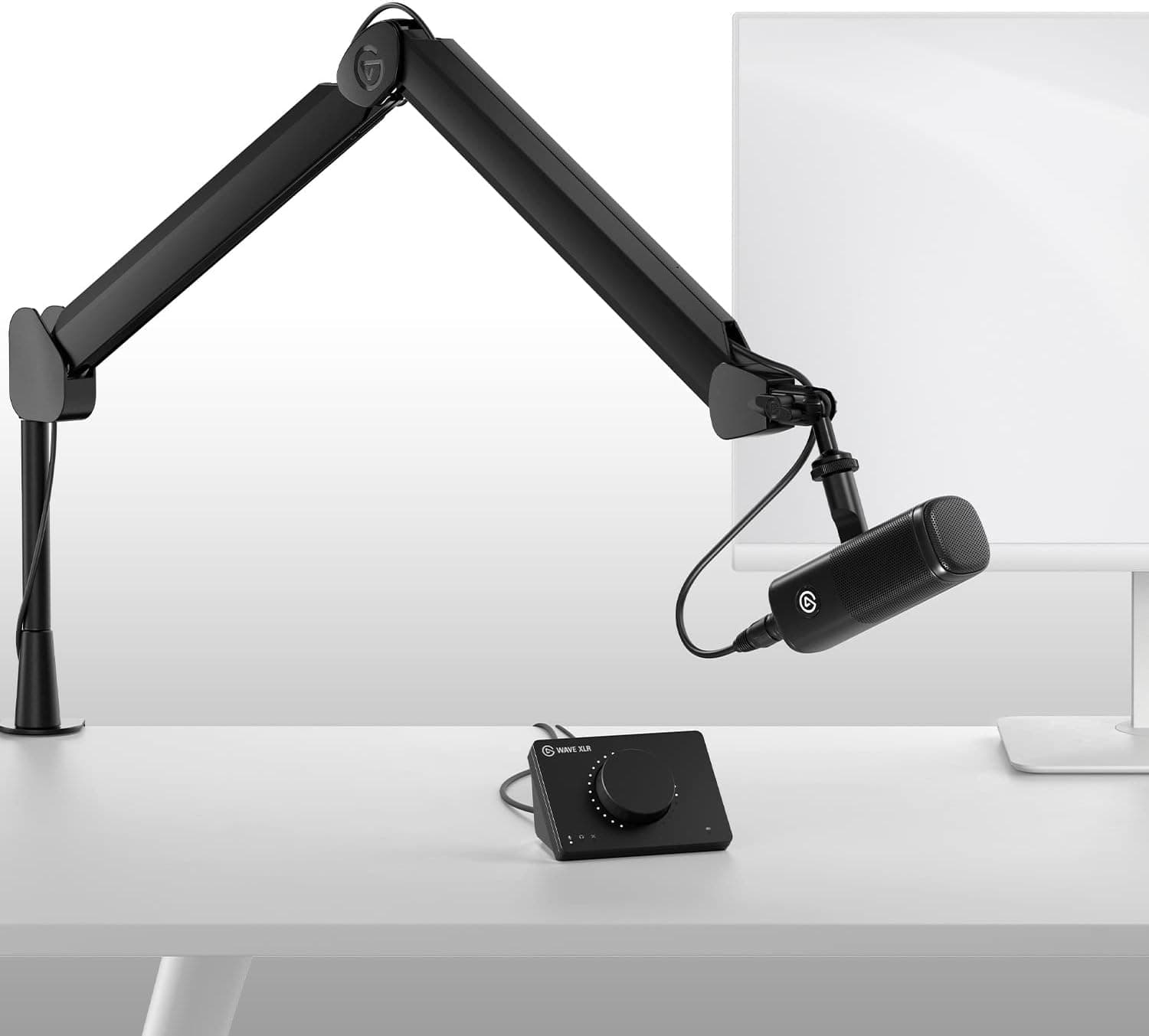
Elgato Wave XLR
The Wave XLR sits between the microphone and the computer. It gives the Wave DX clean gain, so you need no extra booster. You turn the big dial for volume and tap it to mute. The clipguard stops your voice from distorting when you get excited in a demo. On the Mac, the Wave Link app mixes the mic with your system sound.
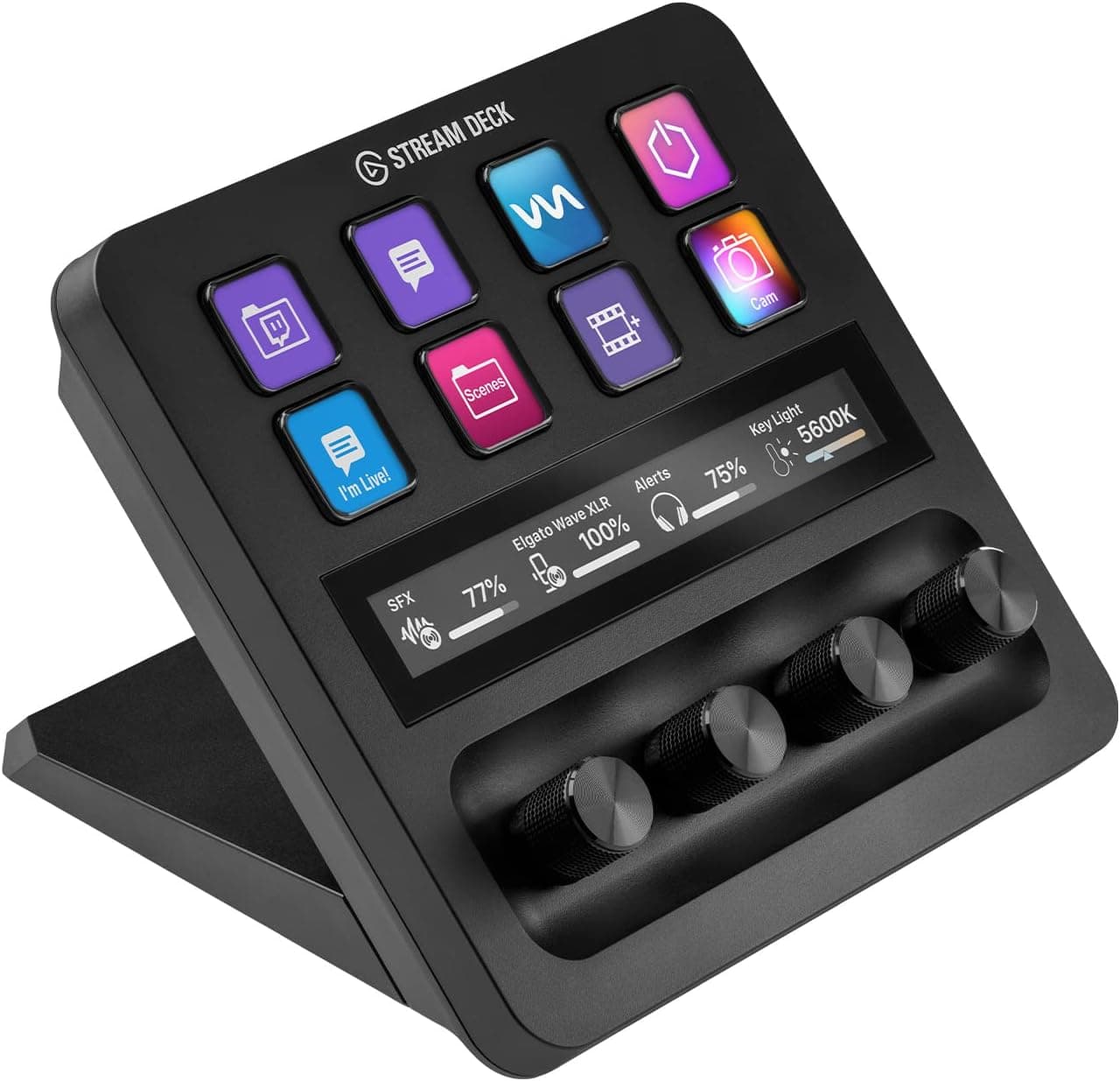
Elgato USB-C Stream Deck +
The Stream Deck+ is a small console with programmable buttons and dials. You plug it in and assign actions, which takes minutes even for beginners. It works with the common streaming apps and controls scenes, audio and effects. In my setup it mutes the mic, sets the lights and switches scenes, so I keep my eyes on the customer.
Elgato Stream Deck Pedal
The Stream Deck Pedal gives you hands-free control with your feet. You can change camera angles while streaming, open apps or mute your microphone during a video call.
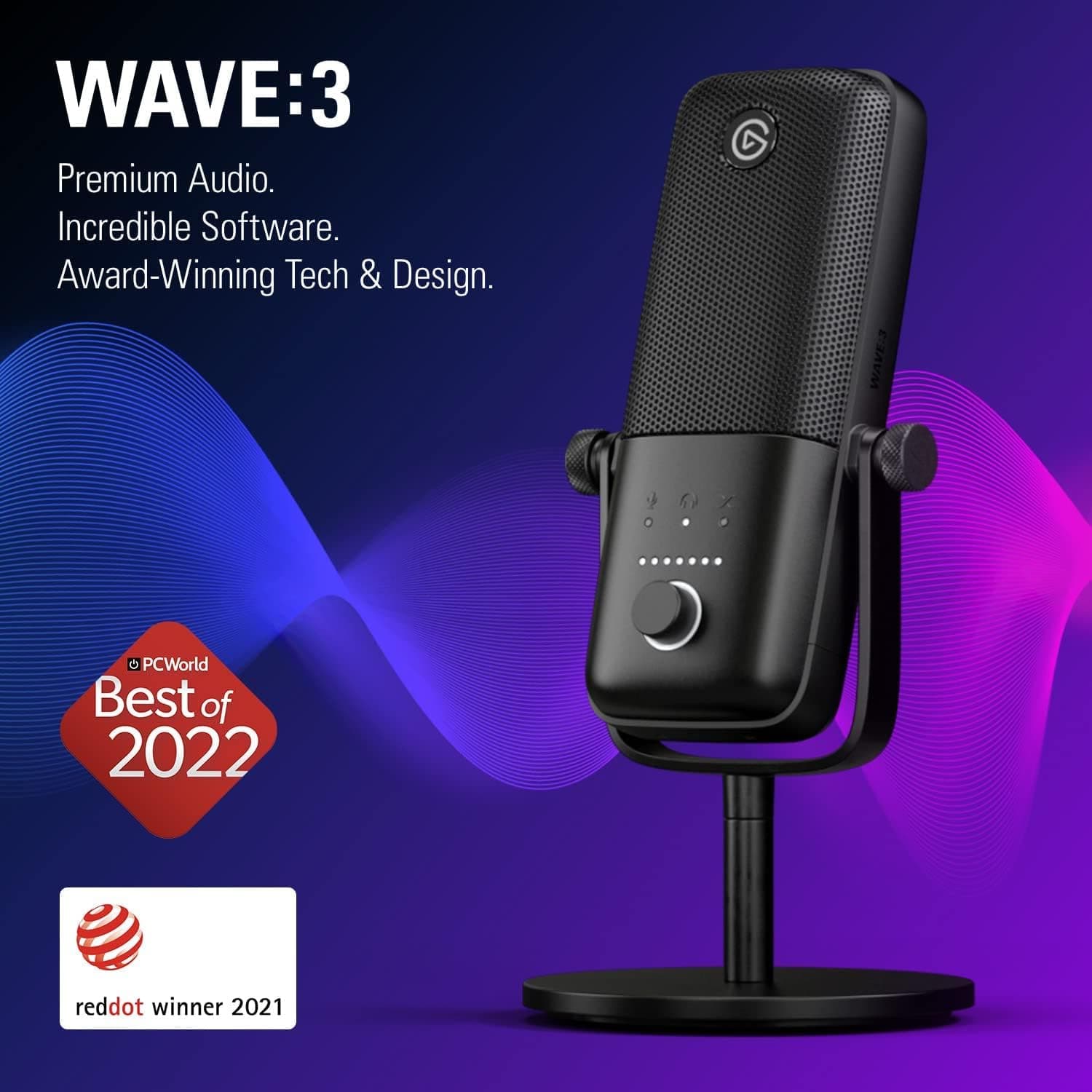
Elgato Wave:3
The Elgato Wave:3 is a USB microphone that many streamers use. It sounds good and needs no extra interface. A built-in pop filter keeps the audio clean, and a digital mixer lets you set levels and inputs. It is the simpler start if you do not want an XLR setup.
Headsets and Earbuds
For calls on the road or in a noisy house, a headset or earbuds beat the best room microphone. These are the ones I trust.
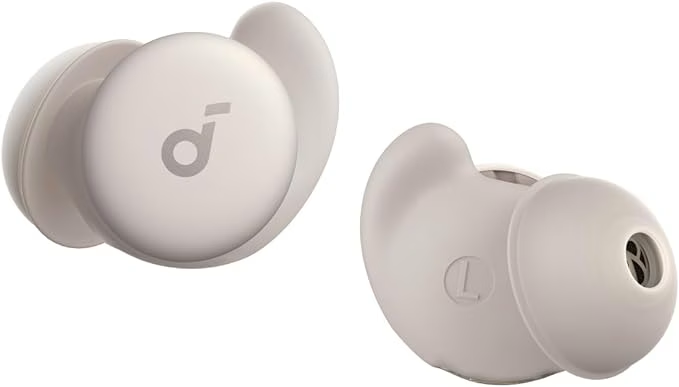
soundcore A20 Earbuds
The Soundcore Sleep A20 Earbuds are small and almost invisible in the ear. Their passive noise reduction blocks out a noisy room during calls, demos and discovery sessions. Battery life is long and the fit is comfortable, so they last through back-to-back meetings and travel days. Compared to a bulky headset, you look more natural on camera.
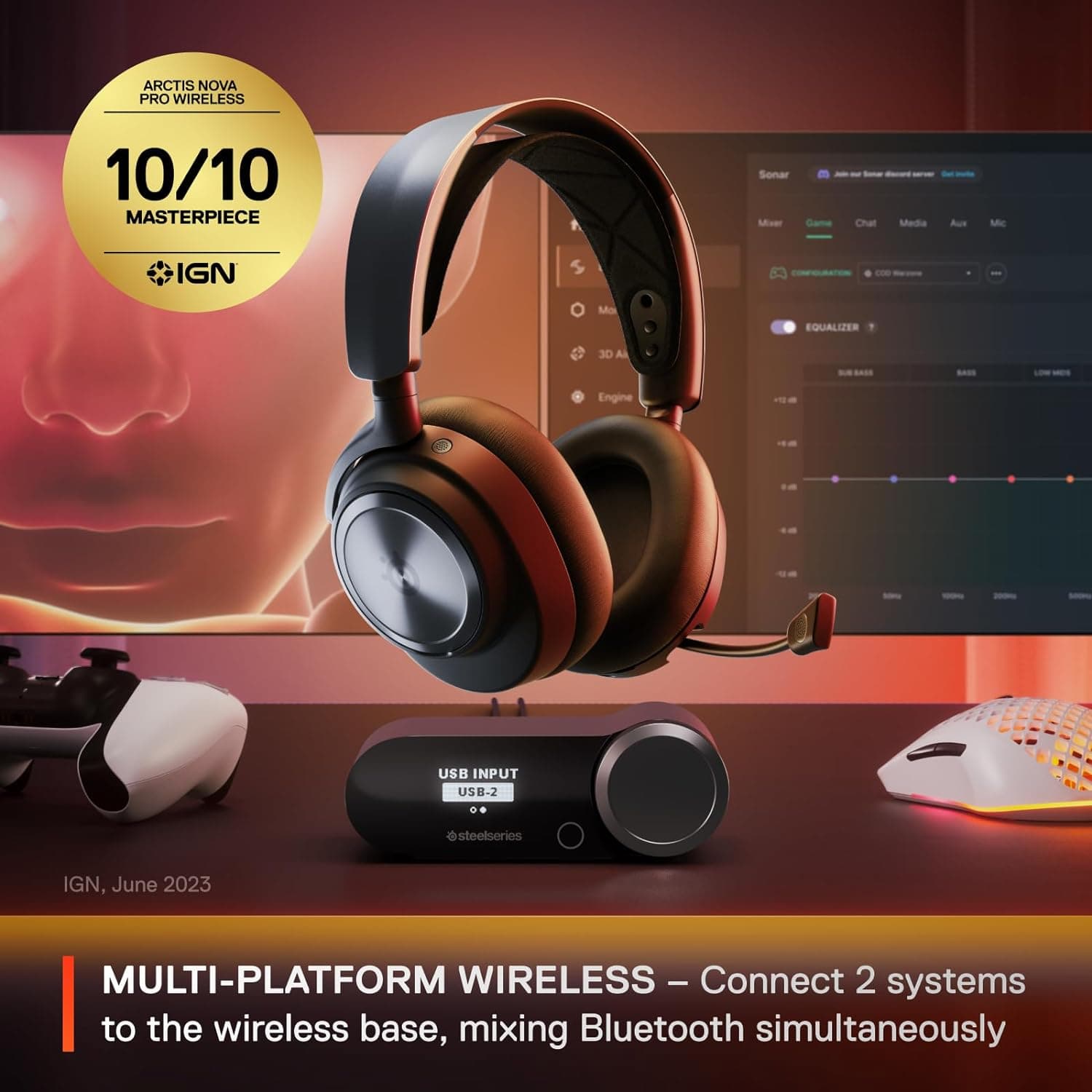
SteelSeries Arctis Nova Pro Wireless
The SteelSeries Arctis Nova Pro Wireless sounds very good, which helps in demos. It has active noise cancelling, Bluetooth 5.0 and hot-swappable batteries. You change the battery and keep talking, even in a long call.
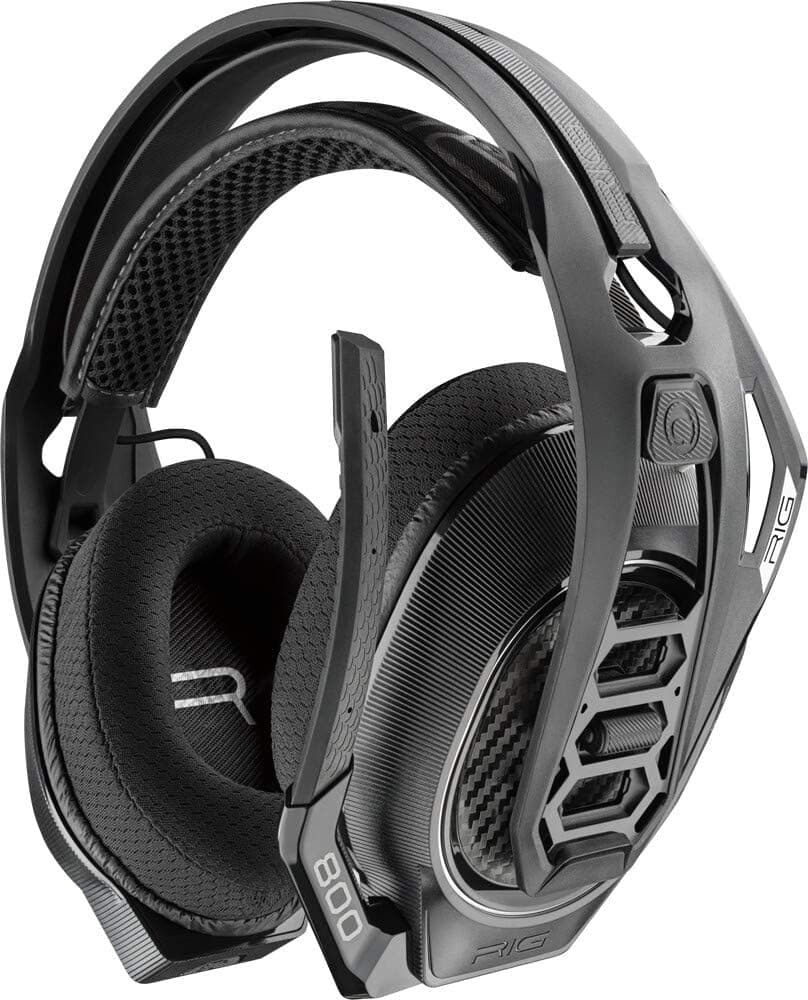
ASTRO Gaming A50, Wireless Gaming-Headset
The ASTRO A50 runs up to 24 hours on one charge, enough for several long workdays. It supports Dolby Atmos, so games, films and music sound full. It is wireless, light and comfortable to wear for hours.
Homeoffice
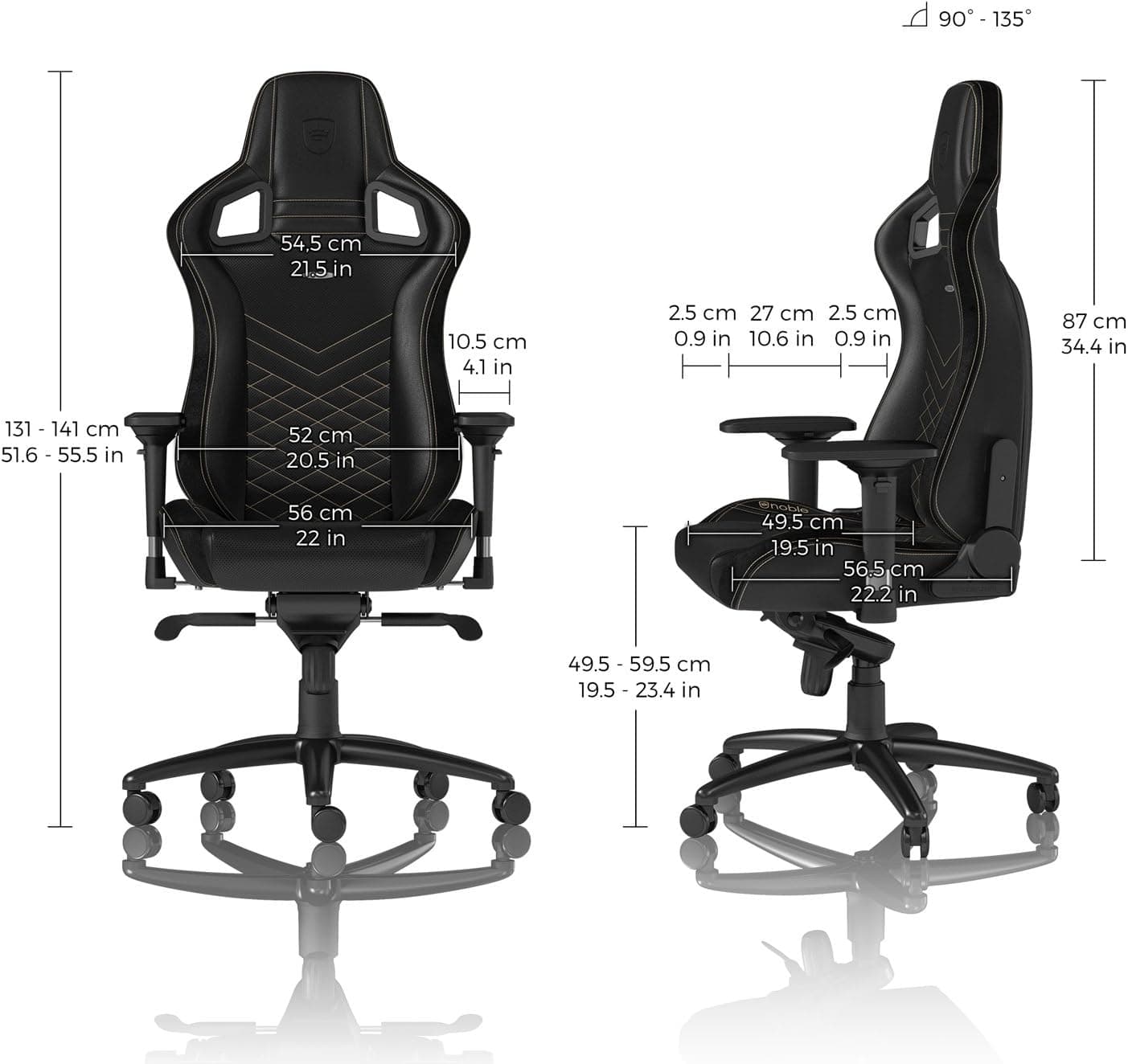
Gaming Chair Noblechair
The Noblechair supports a good posture and stays comfortable through long days at the desk. The materials are solid and last for years. It also looks good on camera behind you.
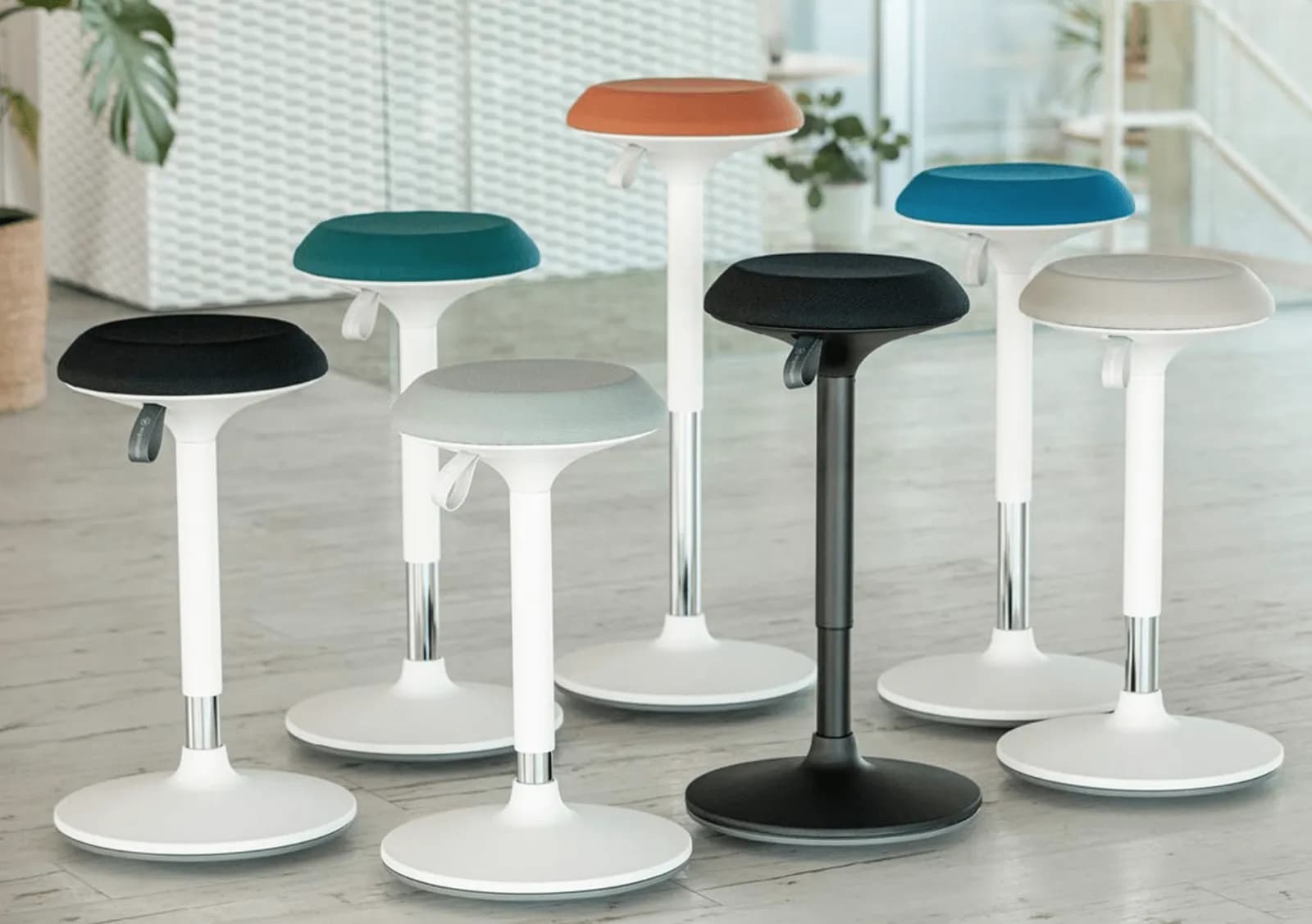
Ergotopia Standing Chair
The Ergotopia standing chair keeps your posture upright and takes load off your back when you stand for a long time. You set the height to fit your body and your desk. It is built from durable materials and holds up to daily use.
SHOP NOW (ergotopia) (opens in a new tab)
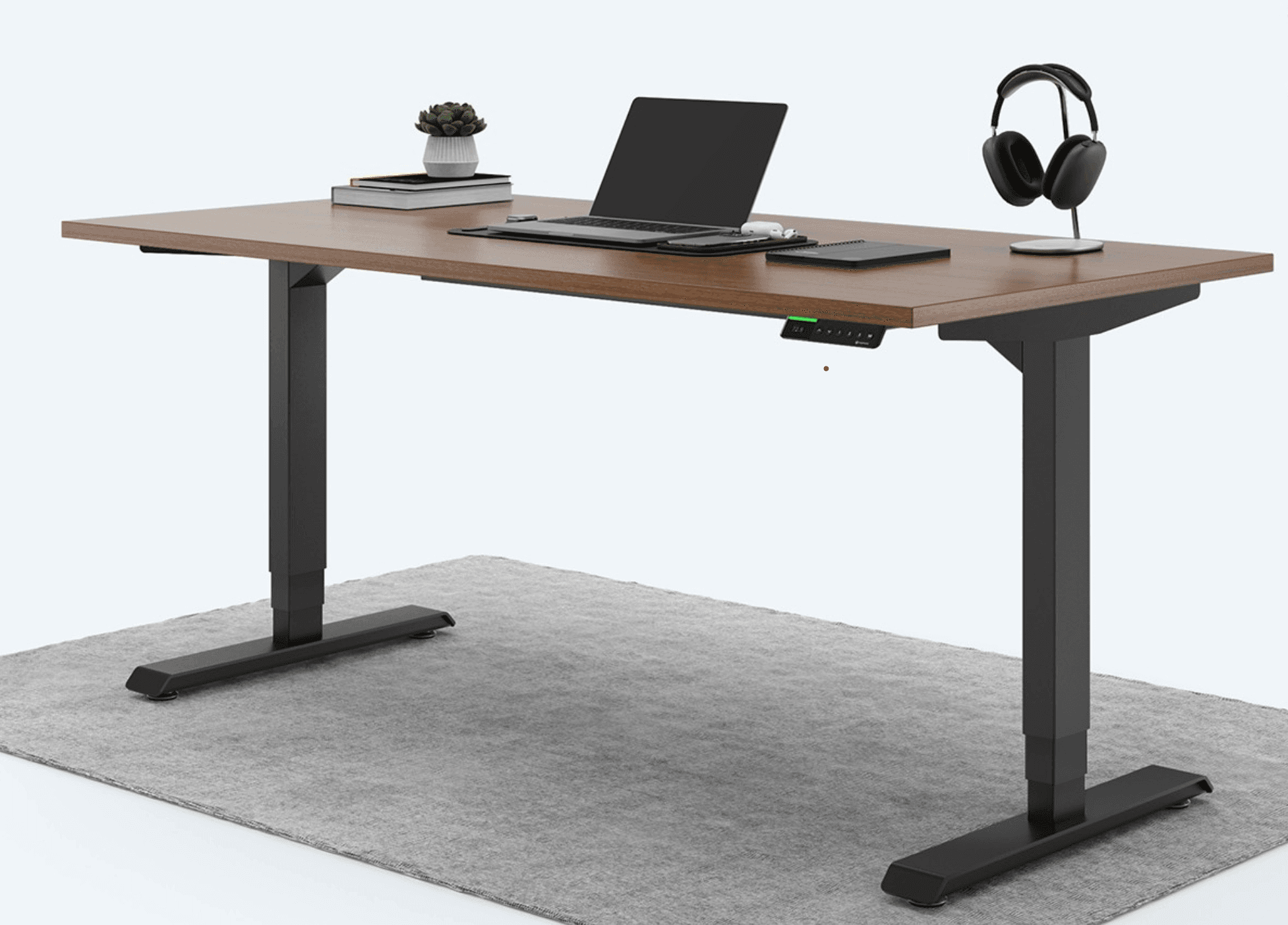
Ergotopia Standing Table
With the Ergotopia standing desk you switch between sitting and standing. That takes strain off your back and keeps you more alert. The height adjusts to your body. The design is plain and modern and fits most offices.
SHOP NOW (ergotopia) (opens in a new tab)
Lighting
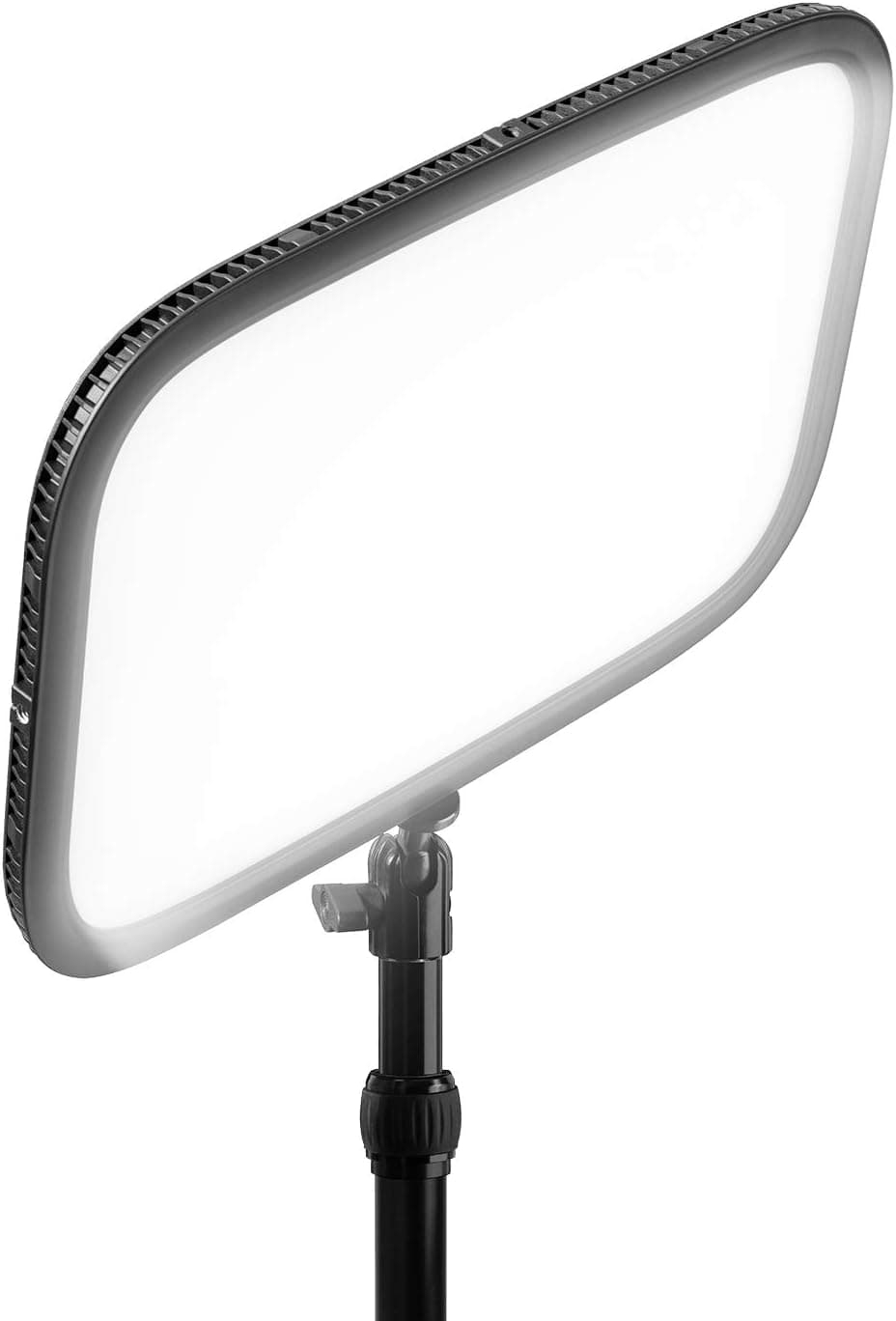
Key Light: Elgato Key Light
The Elgato Key Light is a flat LED panel for your main light. You set brightness and color temperature from the app or the Stream Deck. Good light makes a cheap camera look good.
Fill Light: Aputure Amaran 200d S 200DS LED-Video Light
The Aputure Amaran 200d S is the high quality fill light option in the overview table below.
Best combined with the Aputure Light Dome SE Softbox 85cm. In smaller rooms use the smaller Aputure Light Dome Mini SE 22.8 inch / 58 cm.

Aputure Light Dome SE Softbox 85cm / 35.5"
Aputure Light Dome Mini SE 22.8inch/58cm
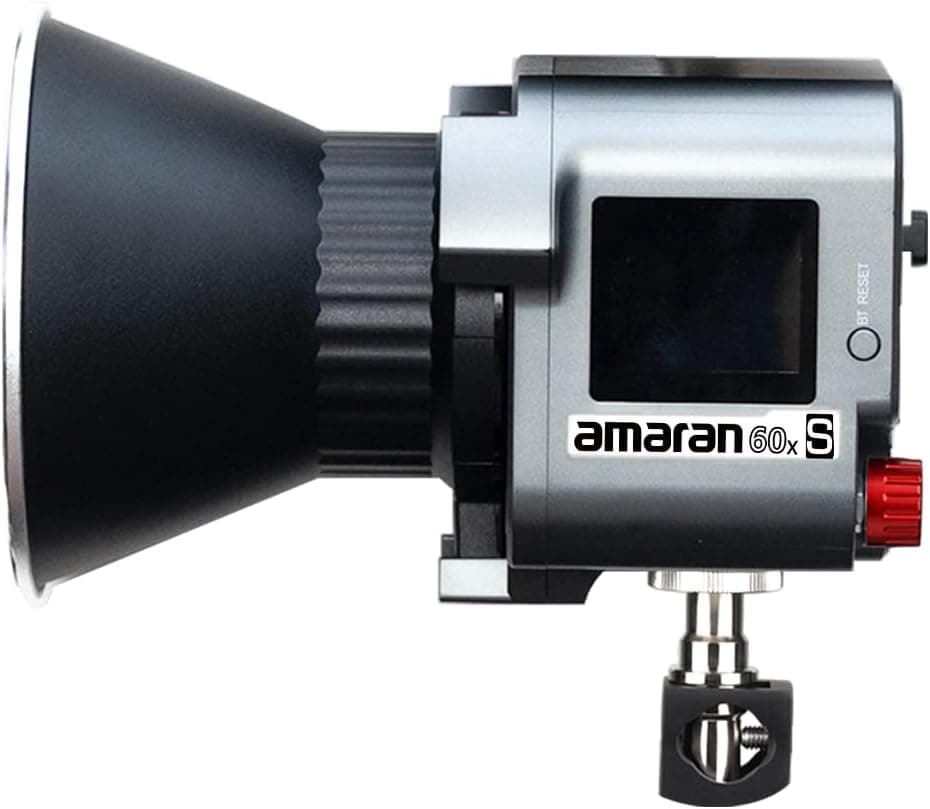
Hair Light: Amaran 60x S - LED
The Amaran 60x S is an LED light, used here in the hair light position.
Best combined with the Aputure Light Dome SE Softbox 85cm. In smaller rooms use the smaller Aputure Light Dome Mini SE 22.8 inch / 58 cm.
Background Light
To illuminate the background, use another light source with 500 to 1,000 lumens. This prevents the background from looking too dark or flat.
Greenscreen and Background
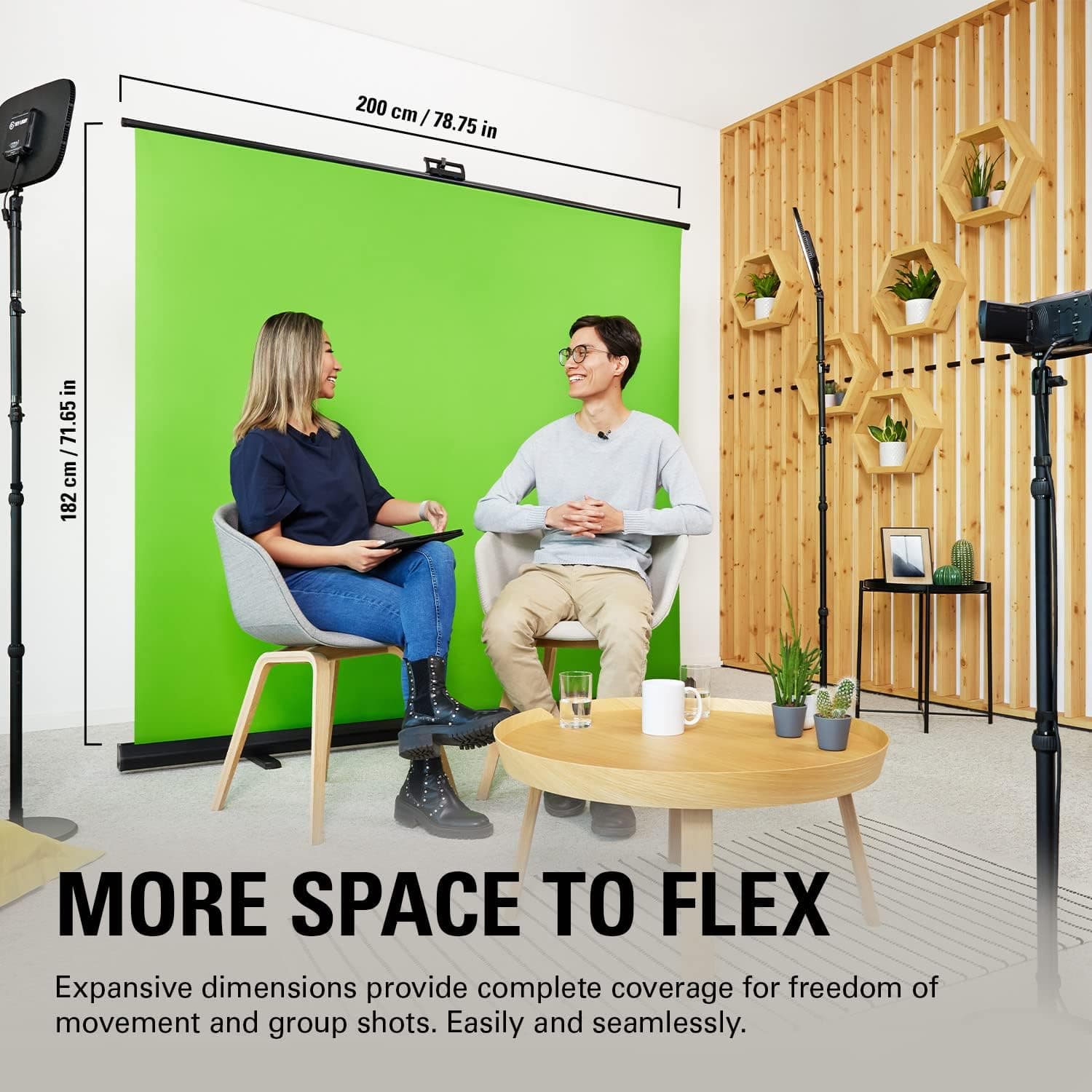
Elgato Green Screen XL
The Elgato Green Screen XL is a large, wrinkle-resistant surface. It gives you an even background for keying in streams, recordings and video calls. It pops up in seconds and rolls back into a slim case. That helps if your room is small. The size leaves room for background effects around you.
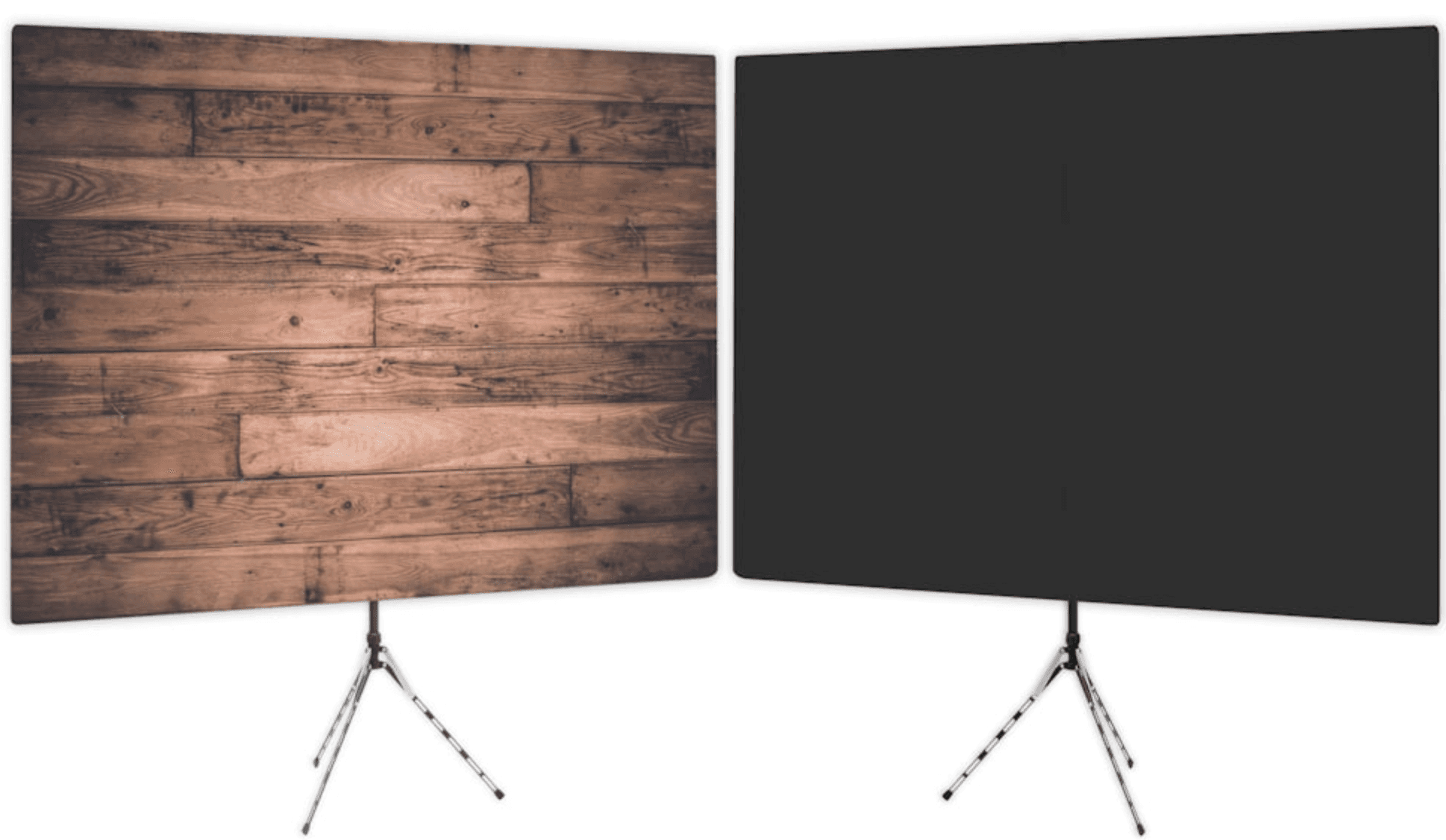
Voodrop Background
The Voodrop started as a backdrop for remote work. Today people also use it for podcasts, photography, trade shows and conferences. It sets up quickly, and the fabric does not wrinkle. You can print your own design on it, for example your company branding. Delivery is fast, some shipping options are free, and there is a money-back guarantee.
SHOP NOW (anyvoo) (opens in a new tab)
Gimmicks
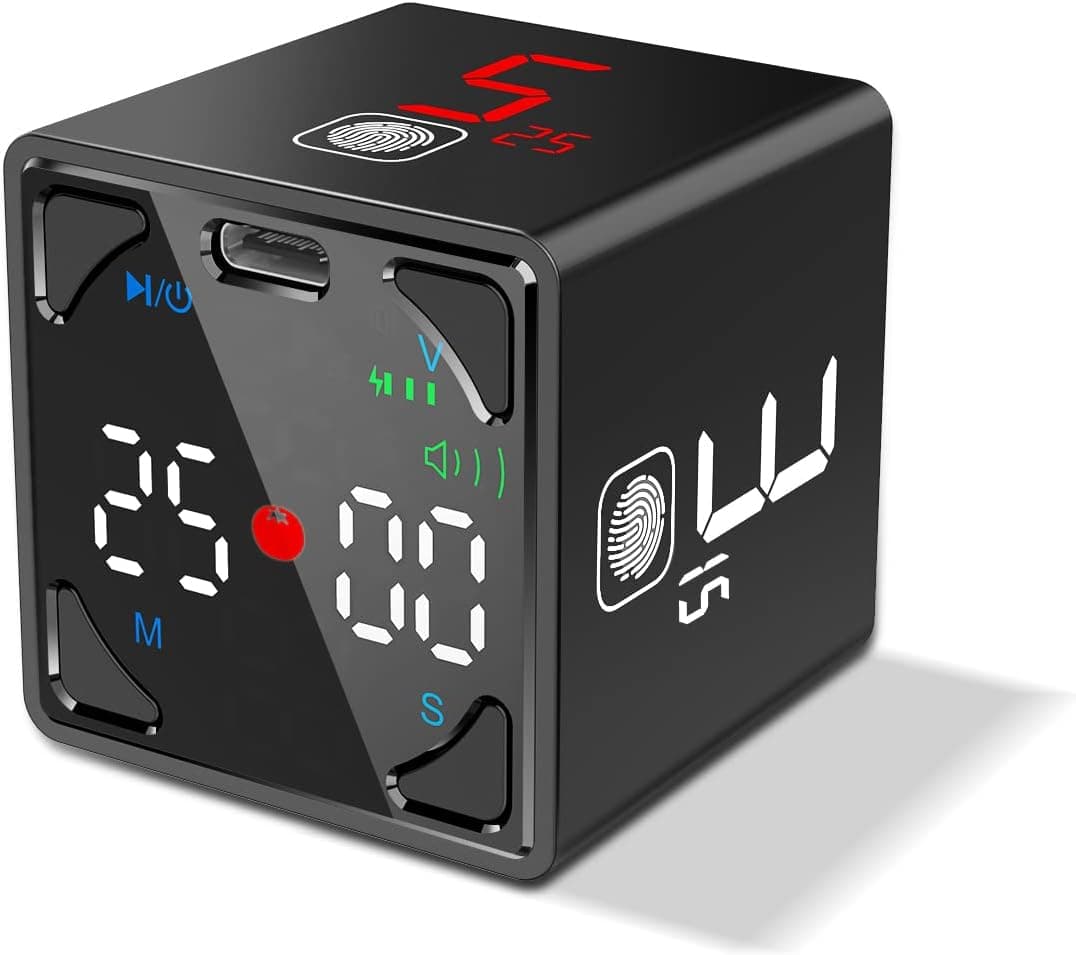
Ticktime Pomodoro Cube Timer
The Ticktime cube is a timer for the Pomodoro Technique. You flip it to the side with the minutes you want, and it starts. No app, no phone, no notifications. It splits your work into short blocks and shows clearly how much time is left.
Kindle Scribe
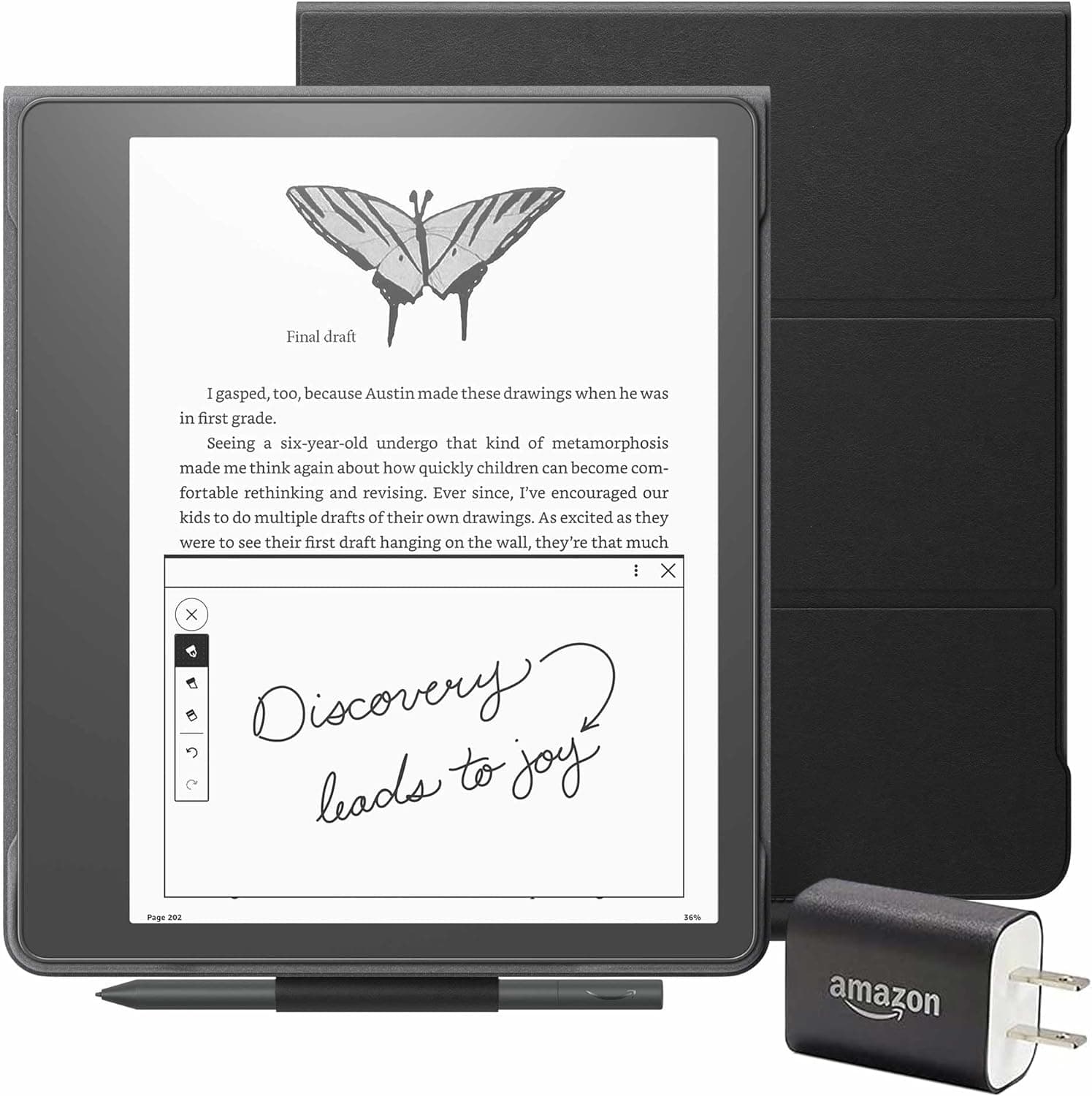
The Kindle Scribe is an e-reader you can write on. You take notes and highlight passages directly in your e-books. The screen reacts precisely to the pen, and the whole Kindle library is on it. It works for reading for fun and for study.
reMarkable 2
The reMarkable 2 is a tablet for notes that feels like writing on paper. The display looks like paper and the pen responds without lag. Notes, sketches and documents are easy to sort and find. The battery lasts long, and the cloud sync puts your notes on your other devices.

SHOP NOW (Remarkable) (opens in a new tab)
Elgato Prompter
The Elgato Prompter is a teleprompter with a few clear strengths:
Built-in display: Most teleprompters need a phone or tablet to show the text. The Elgato Prompter has its own display.
Ease of use: It is quick to set up, easy to use and flexible enough for almost any use case.
Quality: Only professional studio prompters do the job clearly better.
Price: It is a real investment. For what it does, the price is low.
The hardware gets a lot of praise. The software is weaker and has a few small issues. For most people who record videos, it is still the best option.
Presentation
Logitech Spotlight Presenter
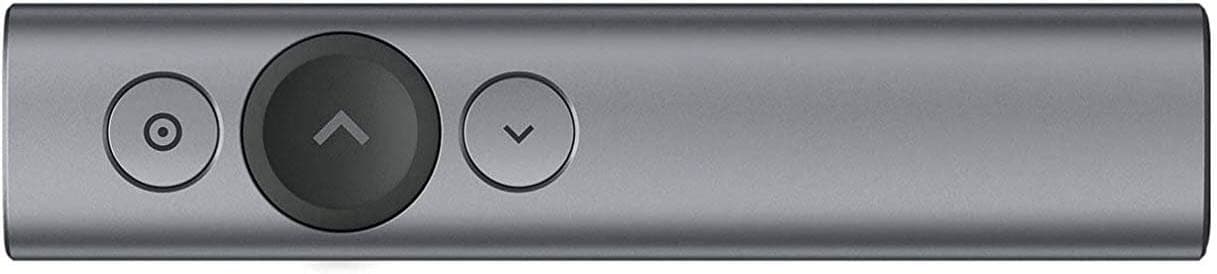
The Logitech Spotlight is a wireless presenter. You move through slides, highlight points and zoom into details on the screen. The controls are easy to learn. The connection is reliable and the battery lasts long. It works for meetings, conferences and lectures.
From the blog
- 4 min read
The Multitasking Myth in PreSales: What Really Works?
Multitasking feels productive but costs focus. What brain research says, and how presales people can work in focused blocks.
Read more - 5 min read
Automation Isn’t Replacing PreSales! It’s Elevating It!
Automation takes repetitive work off presales teams so they can spend more time on discovery, strategy and real customer conversations.
Read more - 10 min read
The Zen of PreSales: Applying Japanese Techniques for Success
Japanese ideas like Kaizen, Shuhari, Ikigai and Nemawashi, applied to everyday presales work.
Read more
In the course
- How to set up your homeoffice?Members only
- Presenting OnsiteMembers only
- Presenting RemoteMembers only